Guide
Make an iPhone Ringtone from MP3
Understand the MP3 to M4R workflow, transfer step, and why an iPhone ringtone may not appear.

If you need the full iPhone workflow after trimming, including M4R export and transfer troubleshooting, read How to Make an iPhone Ringtone from MP3.
Make a ringtone online from an MP3, song, voice note, or supported video sound. Trim the exact section you want, preview it, add fades, and download MP3 or M4R without uploading your file.
Drop audio file here or click to upload
Files processed locally in your browserTurn on a preset to lock the selection length, then drag the whole selected block to the part you want.
Select an MP3, song, voice note, WAV, M4A, AAC, FLAC, OGG, or supported video file from your device.
Use the waveform to mark the best part, or turn on the iPhone or Android preset to lock a phone-friendly length.
Play the selection, loop it if needed, and add fade-in or fade-out so the ringtone starts and ends cleanly.
Download M4R for iPhone ringtone workflows or MP3 for Android ringtones and notification sounds.
A ringtone maker helps you cut a short, clean clip from a song, MP3, voice note, recording, or video sound and save it in a phone-friendly format. The useful part is control: choose the exact hook, line, beat, or alert sound instead of keeping a random 30 seconds.
Use this page when you still need to trim and preview the ringtone. If you already have a finished MP3 clip and only need the iPhone file type, use the MP3 to M4R converter instead.
Pick the recognizable part first, then keep the clip short and clean. For songs and podcast snippets, cut on a phrase or beat. For voice notes, leave a tiny lead-in so the first word does not feel chopped.
Limitations to know: downloading M4R creates the iPhone ringtone file, but your iPhone still needs an Apple transfer or GarageBand-style workflow before the tone appears in settings.
If you want the full step-by-step iPhone process, including why a ringtone may not appear after export, read How to Make an iPhone Ringtone from MP3. If your clip is already finished and only needs the iPhone file type, continue with MP3 to M4R.
Supported Input Formats
Cut MP3, WAV, M4A, AAC, FLAC, and OGG files directly in your browser. You can also choose supported video files to make a ringtone from the sound.
This tool is built for quick ringtone edits without extra software. Pick the moment people will recognize, check it before export, and keep the work local to your browser.
Select the start and end points on a visual waveform instead of guessing by timestamp.
Your supported files are processed locally in your browser, so your audio stays on your device.
Export MP3 for Android or notification sounds, or M4R when you need an iPhone ringtone file.
Loop the selection, test the timing, and add fades before you save the finished ringtone.
Trim the chorus, hook, or instrumental moment from your own audio file and export it as MP3 or M4R.
Turn a short voice memo, message, or recorded phrase into a custom ringtone or alert sound.
Select a supported video file, extract the audio for waveform editing, then trim the sound into a ringtone-length clip.
Cut very short clips for alarms, text alerts, reminders, and other phone sounds.
Guide
Understand the MP3 to M4R workflow, transfer step, and why an iPhone ringtone may not appear.
Guide
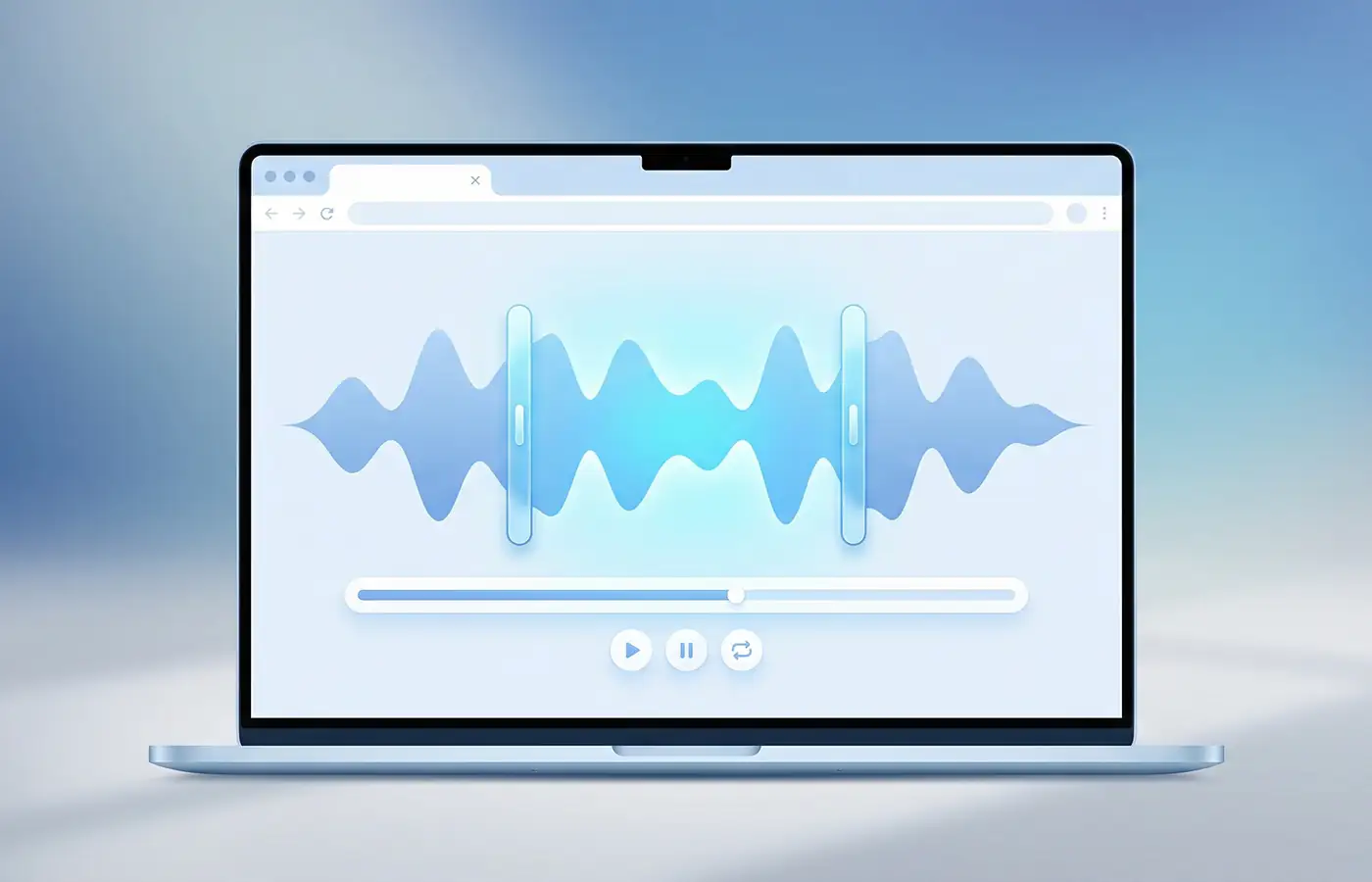
Learn how to cut an MP3 before using it as a ringtone, alert, or short audio clip.
Guide
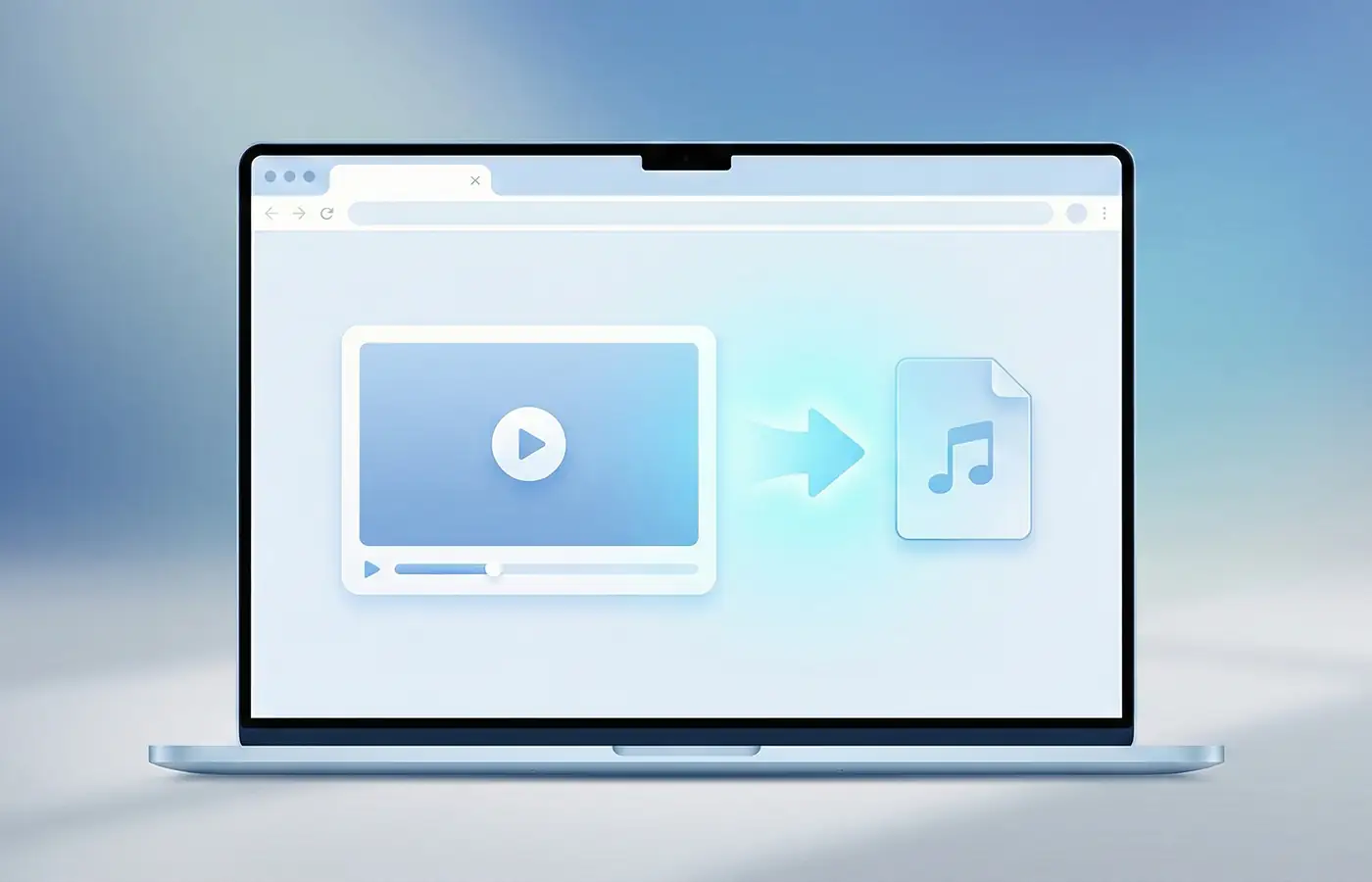
Learn how to pull sound from a video before trimming it into a ringtone.
Choose an MP3, song, voice note, recording, or supported video file. Select the part you want on the waveform, preview the clip, add fades if needed, then download MP3 or M4R.
Yes. You can trim MP3 files, songs you have permission to use, voice notes, and recordings into short ringtone-ready clips. For iPhone, download M4R. For Android, MP3 is usually the easiest choice.
Yes, for supported video files. Choose the video, let the tool prepare the audio for waveform editing, then trim the sound you want. Some phone video formats may depend on browser support and device power.
Most ringtones work best at 20 to 30 seconds. iPhone ringtones can be up to about 40 seconds, while notification sounds are usually better at 2 to 10 seconds.
iPhone ringtone workflows normally use M4R. Android phones commonly accept MP3 for ringtones, alarms, and notification sounds, though exact options can vary by device.
Yes. Preview or loop the selected section before downloading, then use fade-in or fade-out to avoid a harsh start or abrupt ending.
Yes. Trim the MP3 first, then download M4R from this ringtone maker. If the MP3 is already cut and you only need the iPhone ringtone format, use the MP3 to M4R converter.
After downloading the M4R file, move it to your iPhone through the current Apple ringtone workflow for your computer and iOS version, such as Finder on macOS or Apple Devices/iTunes on Windows. Creating the file is only the first step; the phone still has to receive and register it.
The file may not be M4R, may be too long, may not have transferred through the ringtone workflow, or may not have synced yet. Try a shorter M4R file, repeat the transfer step, and check the Sounds & Haptics ringtone list.
Use this ringtone maker when you need to trim, preview, fade, or choose the best part of a file. Use MP3 to M4R when your MP3 is already the right length and only needs conversion for iPhone.
Yes for supported browser-based editing. Your file is processed locally on your device, and no upload is required to trim, preview, or export the ringtone.