Guide
Audio Editing Guide
Learn when to trim, convert, normalize, merge, and clean audio in a browser-based workflow.

Find the fastest tool for trimming, MP3 cutting, conversion, silence removal, volume cleanup, transcription, subtitles, and ringtones. FreeAudioTrim runs supported workflows locally in your browser, so your files stay on your device.
If your next output is text, captions, or subtitles, start with Audio & Video Transcription for editable transcript text plus TXT, SRT, and VTT export.
Create text, captions, and subtitle files from audio or video, or clean spoken recordings before you transcribe them. Useful for YouTube subtitles, interviews, lectures, podcasts, and client video workflows.
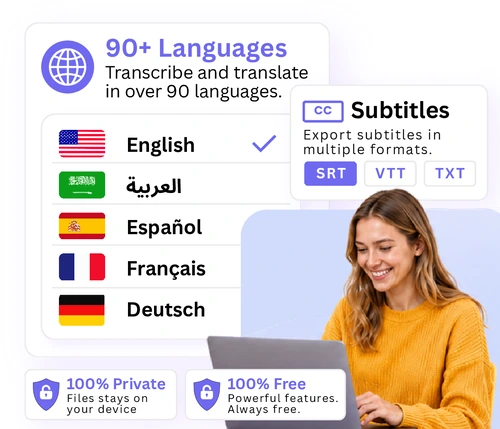
Transcribe audio or video to editable text, SRT subtitles, or VTT captions. Use it for interviews, YouTube videos, social clips, lectures, and production subtitle drafts. Runs in your browser with no API key, account, or upload queue.
Open transcription tool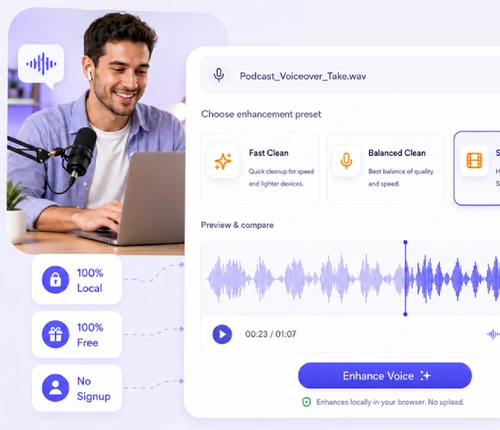
Clean spoken voice with local noise reduction, speech-focused EQ, dynamics controls, A/B compare, and WAV export before editing, subtitles, or transcription.
Open AI voice toolStart here for the most common jobs: cut a clip, convert a format, join files, fix volume, remove gaps, or pull audio out of a video.
Best for trimming WAV, M4A, AAC, OGG, FLAC, or MP3. Set start and end points on a waveform, preview the cut, and export.
Open tool →Use this when a platform, editor, or device needs a different format. Convert MP3, WAV, OGG, M4A, AAC, and FLAC.
Open tool →Combine intros, voice notes, music beds, or episode segments into one file. Drag to reorder before exporting the merged audio.
Open tool →Make quiet recordings easier to hear and reduce mismatched loudness between clips. Useful before publishing podcasts or social videos.
Open tool →Shorten recordings by cutting long silent gaps from interviews, lectures, voice notes, and podcasts while keeping the spoken parts.
Open tool →Pull speech, music, or sound from MP4, MOV, AVI, and other video files before trimming, cleanup, conversion, or transcription.
Open tool →Use these when the file is already usable, but you need a specific playback speed, pitch, ringtone format, or MP3-focused export.
Speed up lectures and podcasts, slow down practice tracks, or check spoken content at a new pace without changing pitch.
Open tool →Shift music, vocals, or instrument tracks up or down in semitones while keeping the playback speed the same.
Open tool →Cut a short ringtone from a song or recording, then export M4R for iPhone or MP3 for Android.
Open tool →Use this when your ringtone clip is already an MP3 and you only need the iPhone M4R format.
Open tool →Convert MP3 to WAV when you need an editing-friendly file for a DAW, video editor, archive, or production handoff.
Open tool →Choose this for MP3-only jobs: trim a song, voice note, podcast intro, or social clip with a simple waveform cutter.
Open tool →Use Audio Cutter for most formats, or Free MP3 Cutter when you only need to trim an MP3 with a waveform preview.
Use Remove Silence to tighten long pauses, then Normalize Audio to make speech volume more consistent.
Use the audio file converter for MP3, WAV, M4A, AAC, OGG, and FLAC, or MP3 to WAV when an editor needs an uncompressed file.
Use extract audio from video when the source is MP4 or MOV, then use Audio & Video Transcription to create text, SRT, or VTT.
Use speech enhancement when a phone mic, laptop recording, or draft voiceover needs clearer speech before editing, subtitles, or transcription.
The right first tool saves rework. Trim before loudness fixes, clean long gaps before merging, and transcribe after the file contains the speech you actually need.
Supported tools process files locally in your browser, which is useful for client recordings, private voice notes, interviews, and unfinished creative work.
Choose the tool by the next output you need: a shorter clip, one merged file, steadier volume, subtitles, a ringtone, or a different format.
Browser tools depend on your device memory, CPU, browser codec support, and file length. Very large projects can be slower on phones or older laptops.
Use FreeAudioTrim for focused edits and prep work. Move to pro software for multitrack mixing, mastering, detailed repair, automation, or complex effects.
Trim the intro or outro with Audio Cutter, remove long pauses with Remove Silence, then even out volume with Normalize Audio.
Start with Extract Audio from Video if you only need the soundtrack, then open Audio & Video Transcription to export SRT or VTT captions.
Use AI Voice Studio to make spoken audio clearer, then open Audio & Video Transcription when you need a transcript, subtitles, or reviewed caption text.
Use Ringtone Maker for trimming and phone-ready export in one place. Use MP3 to M4R when you already have the final MP3 clip.
Use Audio Converter to convert audio files for everyday format changes, or MP3 to WAV when another editor asks for WAV.
Your file is processed locally in your browser for supported workflows. That means private recordings, client footage, voice notes, and drafts stay on your device.
Open the tool you need and start working. There is no signup form, subscription screen, or paid export step for these tools.
Modern browsers on desktop, iPhone, and Android can run many audio jobs directly. Large files are usually faster on a laptop or desktop because processing depends on device power.
Use FreeAudioTrim when you need a fast edit, cleanup pass, subtitle draft, format conversion, or ringtone without opening a full editing suite.
Start with the output you need. Use Audio Cutter or Free MP3 Cutter to shorten audio, Remove Silence to tighten gaps, Normalize Audio to fix loudness, Audio Converter to convert audio formats, extract audio from video for MP4, MOV, and similar files, Transcription for text or subtitles, and Ringtone Maker for phone tones.
Yes. The tools are free to use with no account, subscription, or paid export step.
No. You can open a tool, choose a file, make the edit, and export without signing in.
No upload is required for supported tools. Your file is processed locally in your browser, so it stays on your device instead of being sent to a server.
Yes. For example, you can extract audio from a video, transcribe it for subtitles, trim the best section, normalize the volume, and convert the final file if another app needs a different format.
Use Audio Cutter for rough trims, Remove Silence for long pauses, Normalize Audio for more even loudness, and Audio & Video Transcription if you need show notes, quotes, or subtitles.
Use Audio & Video Transcription to create editable text, SRT, or VTT. If you only need the audio from a video file first, use extract audio from video.
Most tools work in modern mobile browsers on iPhone and Android. Very large files may take longer or work better on desktop because browser-based processing depends on memory, CPU power, and format support.
Guide
Learn when to trim, convert, normalize, merge, and clean audio in a browser-based workflow.
Guide
Step-by-step guide to cutting MP3 files directly in your browser before export or ringtone creation.
Guide
A practical guide to editing audio without installing software or sending files through an upload queue.
Guide
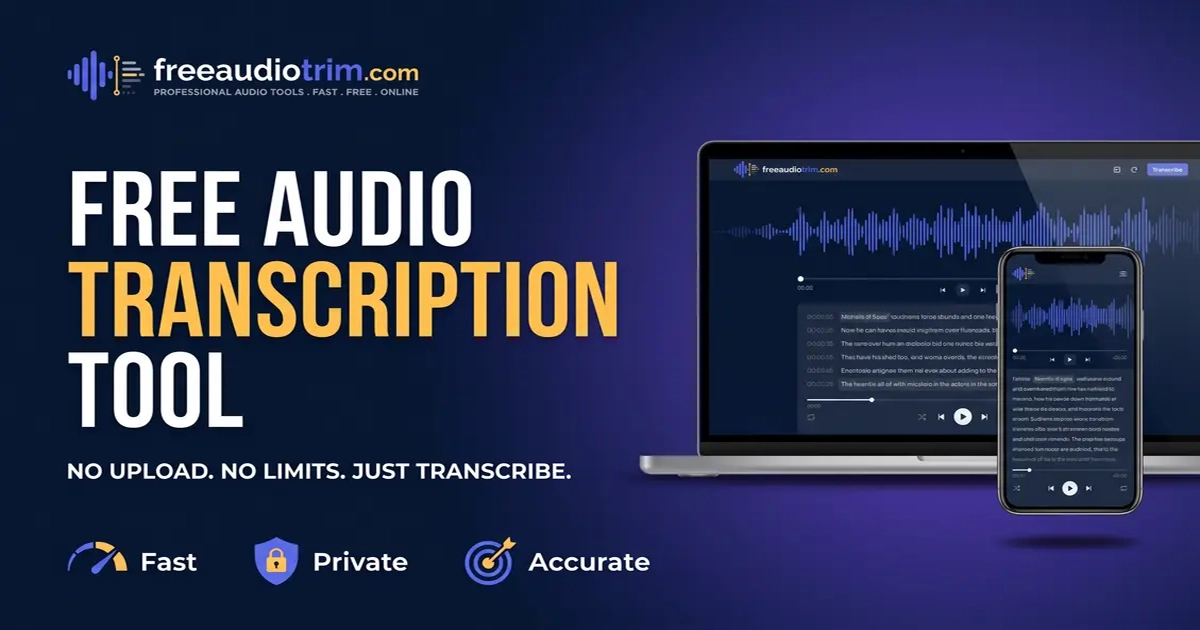
Learn when to export transcript text, SRT subtitles, or VTT captions for video publishing.
Guide
See how to prepare clearer audio, review transcripts, and export text or subtitles with less cleanup later.
More focused workflows: transcribe video to text, use the أداة النسخ العربية, compare speech enhancement alternatives, or follow the MP3-to-iPhone ringtone guide.