Guide
How to Transcribe Audio to Text
Learn how transcription works, prepare a recording, improve the result, and review the text.
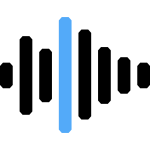
Transcribe audio or video into editable text, timed subtitles, and downloadable caption files. This tool is free and converts spoken content from audio and video files into editable text, timed subtitles, and downloadable caption files. Your file stays on your device while the tool processes it in your browser. No signup, installation, or paid export.
Drop audio or video here, or choose a file
Large files depend on browser support and device memory Safari tip: for videos, tap Browse > Files. No file upload: transcription runs locally in your browserAudio and video transcription is the process of converting spoken content into editable text. Instead of manually typing everything you hear, the tool analyzes the speech in your recording and generates a transcript that you can review, edit, and export. It also supports subtitle formats such as SRT and VTT, making it easier to prepare captions for videos, presentations, tutorials, and other media.
This transcription tool is completely free and converts both audio and video into text files while keeping supported processing on your device. After generating the text, you can correct names, numbers, punctuation, or technical terms before exporting the final file in the format that best fits your workflow. Whether you need searchable text, subtitles, meeting notes, or written documentation, the tool provides a simple way to convert spoken content into text without installing additional software.
Use FreeAudioTrim as an audio-to-text and video-to-text converter. Upload a supported audio or video file, choose the spoken language, generate an editable transcript in your browser, then review and export it as TXT, SRT, or VTT for notes, captions, documentation, or searchable text.
Select a supported audio or video file from your device. Common formats work for interviews, meetings, lectures, podcasts, voice recordings, and video content.
Choose the language spoken in your recording. Selecting the correct language helps the tool create a cleaner, more accurate transcript.
Start transcription and let the tool convert speech into editable text. Processing runs in your browser while your selected file remains on your device.
Review the text, make corrections, and export the final transcript. Use TXT for notes, SRT for subtitles, or VTT for web captions.
Upload audio or video files directly from your device to begin transcription. The tool supports many commonly used media formats, allowing you to convert spoken content into editable text and export the result as TXT, SRT, or VTT.
Supported formats include:
Support depends on your browser, device, available memory, file size, and the media codec used in the recording. If a file does not load, converting it to a more common format before transcription may improve compatibility.
Browser-based transcription lets you convert audio and video into editable text without installing desktop software. The entire workflow is free and runs from your browser, making it easy to generate transcripts, review the results, and export subtitle files whenever you need them.
Your selected audio or video stays on your device while the tool processes supported files in your browser. This browser-based workflow helps you create transcripts and subtitles without uploading your media to an external transcription service.
Open the tool in a supported browser, choose your file, and start transcribing. There is no software to install or configure, making it easy to work across desktop and mobile devices.
Transcription uses your device's processing power and available memory instead of relying on a remote server. Processing time depends on factors such as file length, recording quality, and your device's performance.
Large media files, older devices, unsupported codecs, or limited browser memory may affect loading or processing. For the best experience, use an up-to-date browser and ensure your device has enough available resources before starting long transcription jobs.
Transcription makes spoken content easier to search, review, repurpose, and share. Whether you need written notes, subtitles, or a searchable record, converting speech into text can save time and simplify the next stage of your workflow.
Create an editable transcript that makes it easier to review conversations, find important quotes, and organize information without repeatedly listening to the entire recording.
Turn discussions into searchable notes so decisions, action items, and important details are easier to review and share with your team or clients.
Generate transcripts for show notes, articles, accessibility, or subtitle creation. A written version of your episode also makes it easier to reference specific topics and key moments.
Convert recorded lessons, presentations, or training sessions into text that students, instructors, or team members can read, search, and revisit whenever needed.
Create transcripts and subtitle files for tutorials, presentations, webinars, interviews, and social media videos. Exporting SRT or VTT files also helps prepare content for publishing across different platforms.
A few simple considerations can help improve transcription accuracy and make the final result easier to use. Understanding how the tool works and what affects the final text makes the process more predictable and efficient.
Clear recordings usually require fewer corrections after transcription, saving time during review and editing. A clean recording gives the tool more reliable speech to recognize.
Select the primary language spoken in the recording before starting transcription. This helps the tool recognize pronunciation, vocabulary, and sentence structure more effectively.
Automatic transcription provides a strong starting point, but it should not replace a final review. Check the completed transcript before sharing, publishing, or using it as subtitles.
Because processing takes place in your browser, performance depends on your device, available memory, browser support, and the size of the selected file. Longer recordings may require additional processing time, particularly on older or lower-powered devices.
Guide
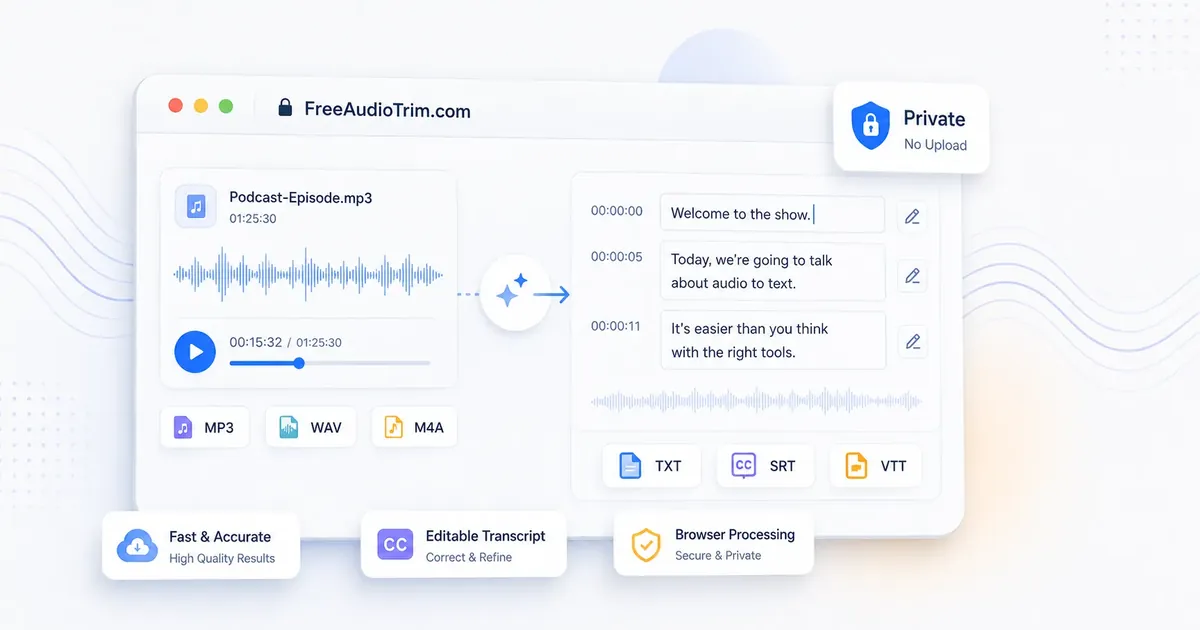
Learn how transcription works, prepare a recording, improve the result, and review the text.
Guide
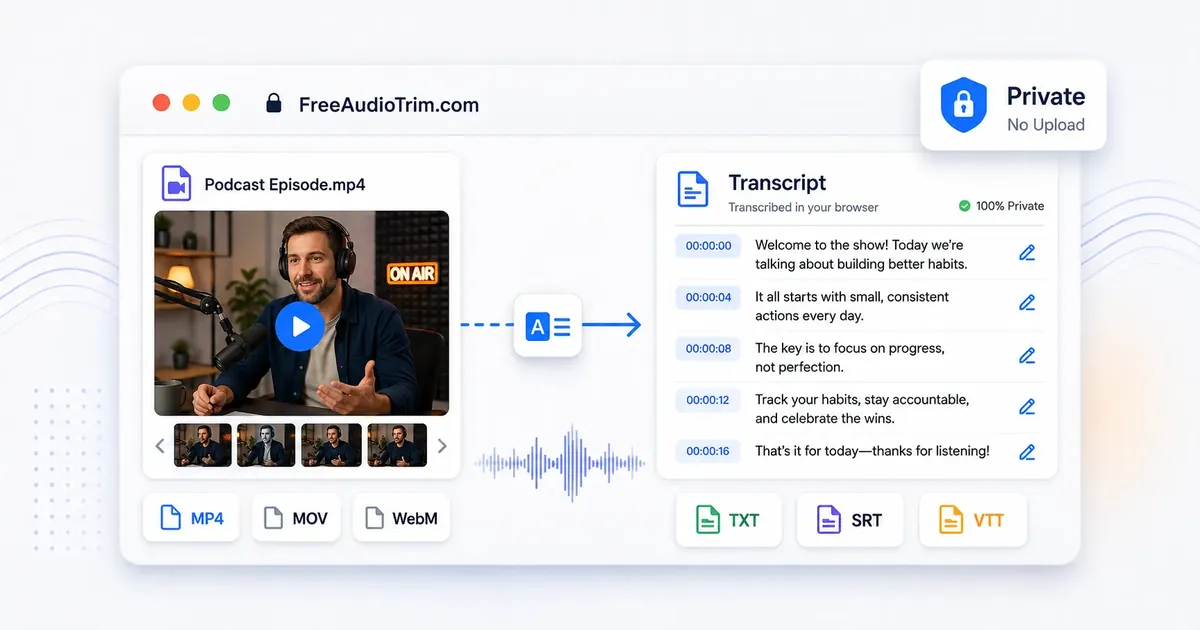
See how to prepare MP4 and other video files for searchable text, notes, and subtitles.
Guide
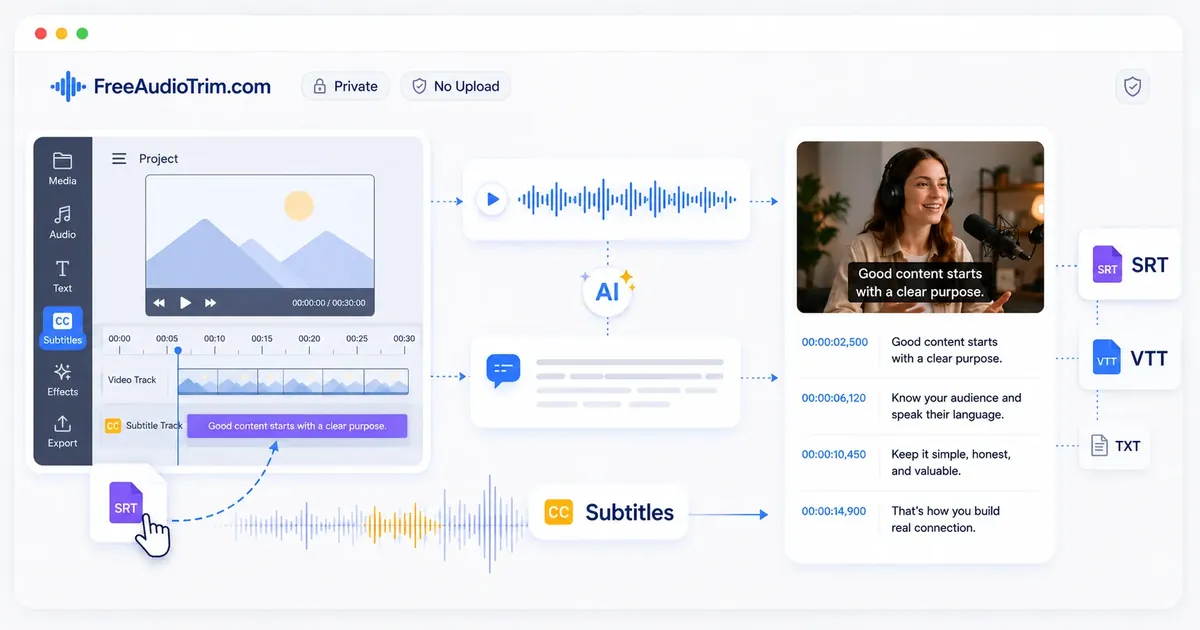
Learn how timed captions work, create SRT or VTT files, and add them to a video.
Choose a supported audio or video file from your device, start transcription, and review the generated text. You can edit the transcript and subtitle timing before exporting TXT, SRT, or VTT.
No. The selected media file is processed locally in your browser and is not sent to a transcription server. The tool may download model or runtime files needed to process it.
Yes. You can transcribe, edit, and export without signing up, installing software, or paying to unlock the result.
Supported formats include MP3, WAV, M4A, AAC, FLAC, OGG, MP4, MOV, WebM, M4V, MPGA, MPEG, and MPG. Actual support can vary by browser, codec, file length, and device memory.
Yes. Review and edit names, numbers, wording, line breaks, and subtitle timing in the tool before downloading your file.
Yes. Export TXT for a plain transcript, SRT for timed subtitles in YouTube and video editors, or VTT for captions used in web video players.
Yes. The model supports Arabic and many other languages. Gulf Arabic, Saudi Arabic, names, local terms, dialects, and mixed Arabic-English speech may need closer review.
Accuracy depends on speech clarity, background noise, music, microphone quality, accents, dialects, and overlapping speakers. Review names, numbers, quotes, and subtitle timing before publishing or client delivery.
Yes. Create and correct the source transcript first, then use the translation workflow in the tool. Review translated wording, names, line lengths, reading speed, and right-to-left display before publishing.