Guide
How to Trim MP3 Online
Learn the full workflow for cutting MP3 files, avoiding rough edges, and exporting the right format.

Turn an MP3 into a short clip without opening a full editor. Choose the part for your ringtone, podcast intro, or social post, preview both edges, add a fade if needed, and download from your browser.
Drop an MP3 into the cutter or select one from your phone, tablet, or computer.
Mark the hook, intro, quote, or other short section on the waveform.
Play the selection before export. Turn on fade in or fade out if the cut clicks or feels abrupt.
Export the shorter clip directly from your browser with no account or upload queue.
An MP3 cutter keeps the short section you want and removes the rest. It is a direct way to save a song hook as a ringtone draft, shorten a podcast intro, or pull a quote for a social edit.
FreeAudioTrim runs the trim in your browser, so your file does not need to be uploaded before you edit. For MP3, remember that exporting a new MP3 can re-encode the audio. If you want an uncompressed file after trimming, download WAV instead.
Start with the destination. A ringtone needs a short section that reaches the recognizable part quickly. A podcast intro should leave enough room for a clean entrance. A social clip should begin close to the quote or hook. Preview both edges before export.
Privacy note: supported files are handled locally in your browser, which is useful when the MP3 is a private recording, client clip, interview, or unpublished podcast segment.
If you want the full beginner-friendly order for trimming, cleanup, loudness, and export, read How to Edit Audio Online. If the trimmed MP3 needs text or subtitles next, continue with Audio Video Transcription Online.
MP3 First, With Common Audio Support
MP3 is the main format for this cutter, and common browser-supported formats such as WAV, M4A, AAC, FLAC, and OGG can also be opened when your browser can decode them.
Use this page when the source is an MP3 and the result is a short, ready-to-use clip. The controls stay focused on choosing the section, checking it, smoothing the edges, and downloading it.
Use the waveform to spot the music, speech, or sound you want, then preview only that selection.
Your MP3 stays on your device while the browser handles the edit locally.
Add a small fade in or fade out to reduce clicks, pops, or harsh starts and stops.
Download MP3 for sharing or ringtone workflows, or WAV when you want an uncompressed edit.
Cut the strongest 20 to 30 seconds from a song, voice note, or sound effect before turning it into a ringtone.
Shorten intros, outros, sponsor reads, and episode clips before publishing or sending them to an editor.
Pull a clean quote, hook, or music section for Reels, Shorts, TikTok, YouTube, or LinkedIn video edits.
Cut a short music or speech excerpt that is easier to send than the full recording.
Guide
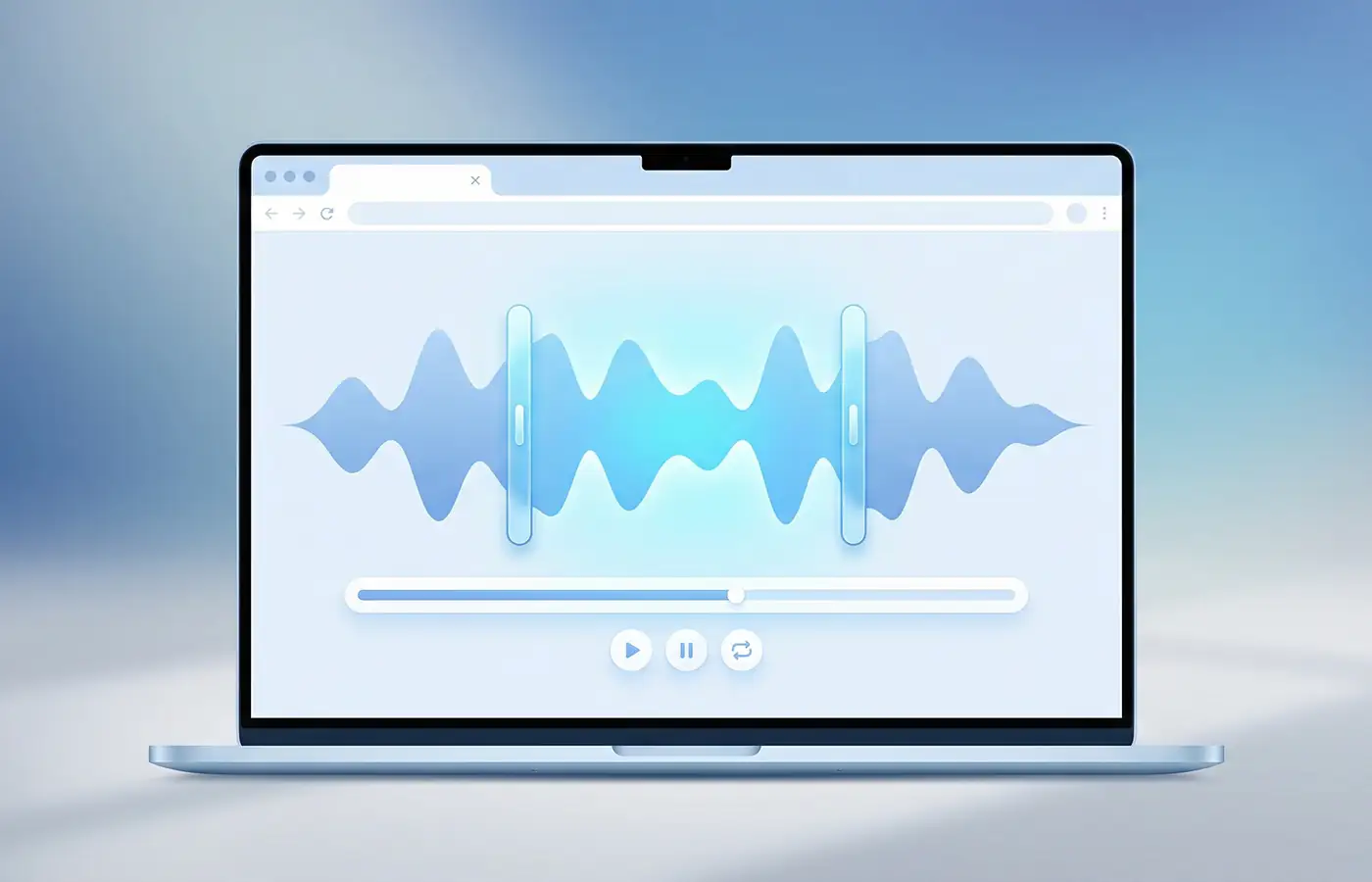
Learn the full workflow for cutting MP3 files, avoiding rough edges, and exporting the right format.
Guide
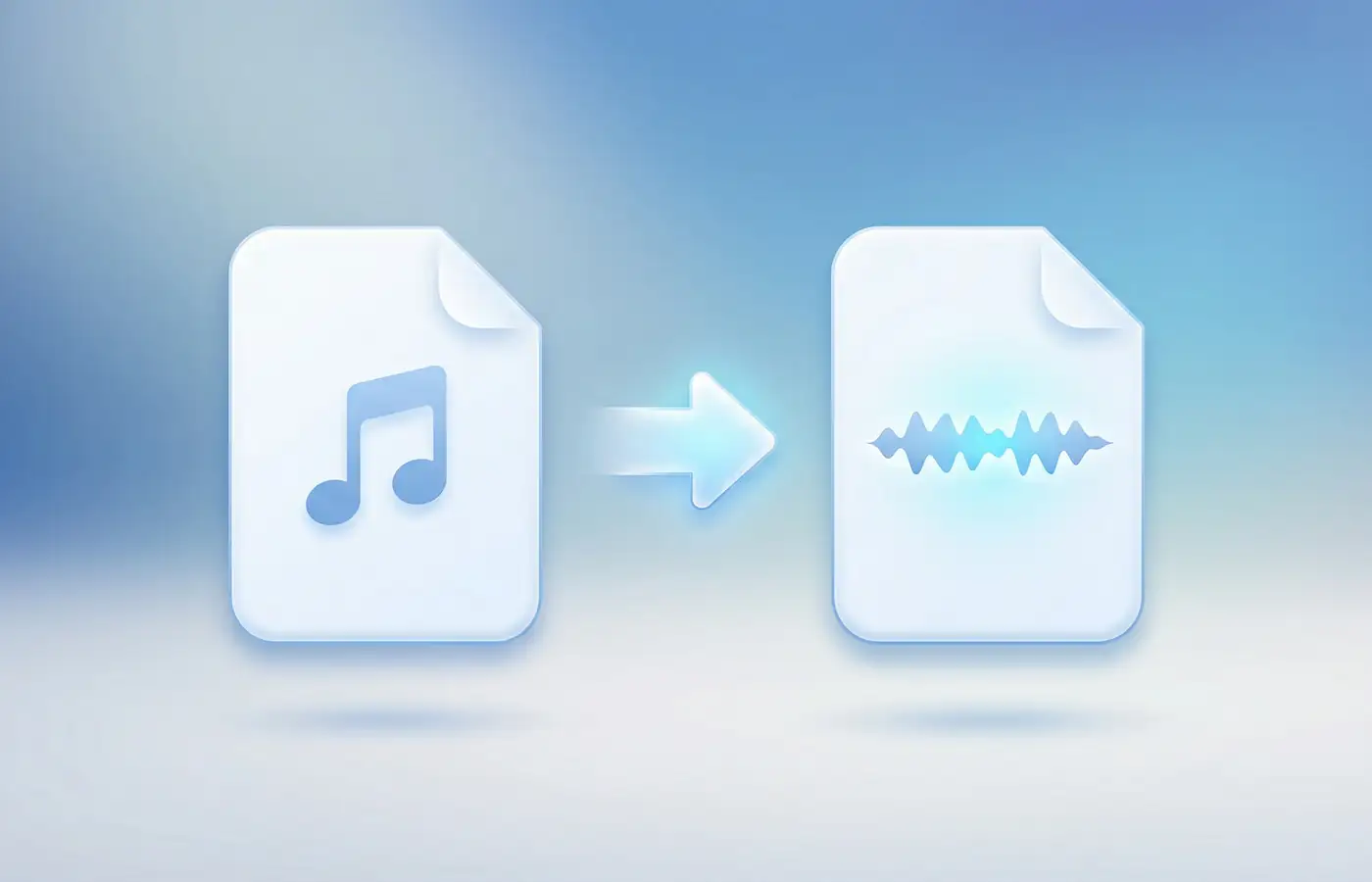
When WAV helps, when it does not, and what conversion can and cannot recover from an MP3.
Guide
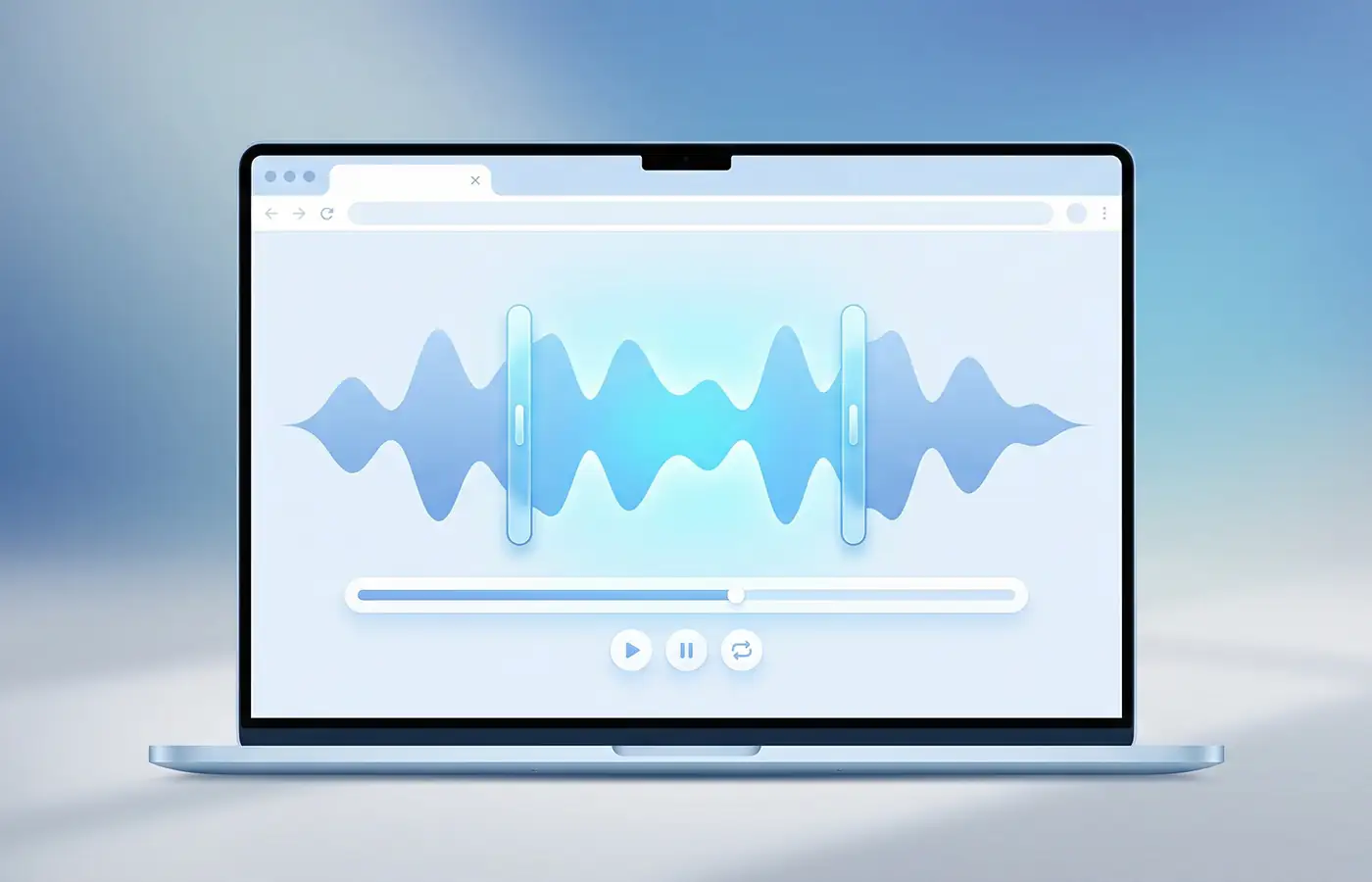
Trim your MP3 first, convert it to M4R, and avoid the common iPhone ringtone mistakes.
Choose your MP3, use the waveform to mark the start and end of the section you want to keep, preview the cut, then download the trimmed file as MP3 or WAV.
Yes. The MP3 is processed locally in your browser, so the file stays on your device instead of being uploaded to a server.
Exporting a new MP3 can involve re-encoding, so the final quality depends on the source file and export settings. For quick clips, ringtones, and spoken audio, the result is usually suitable. WAV export is available if you want an uncompressed file after the edit.
Preview the selection and enable fade in or fade out if the cut starts or stops sharply. Small fades help smooth the edge of music, speech, ringtone, and podcast clips.
Yes. It works well for trimming ringtones, podcast intros and outros, short social media clips, voice notes, and quick music sections. For iPhone ringtones, trim the MP3 first, then convert it to M4R.
Yes, the MP3 cutter works in modern mobile browsers. Very large files may take longer or fail on phones with limited memory, so desktop is better for long recordings.
Try a current browser, check that the file is a valid MP3, rename files with unusual characters, or convert the audio to a fresh MP3 or WAV. If the file is very large, try a shorter version or use a desktop browser.